

best VPN for multiple devices: quick answer
Most VPN comparisons treat simultaneous connections as one row in a feature table. For a household it's often the deciding row, because everything else is a preference and this one is a hard ceiling.
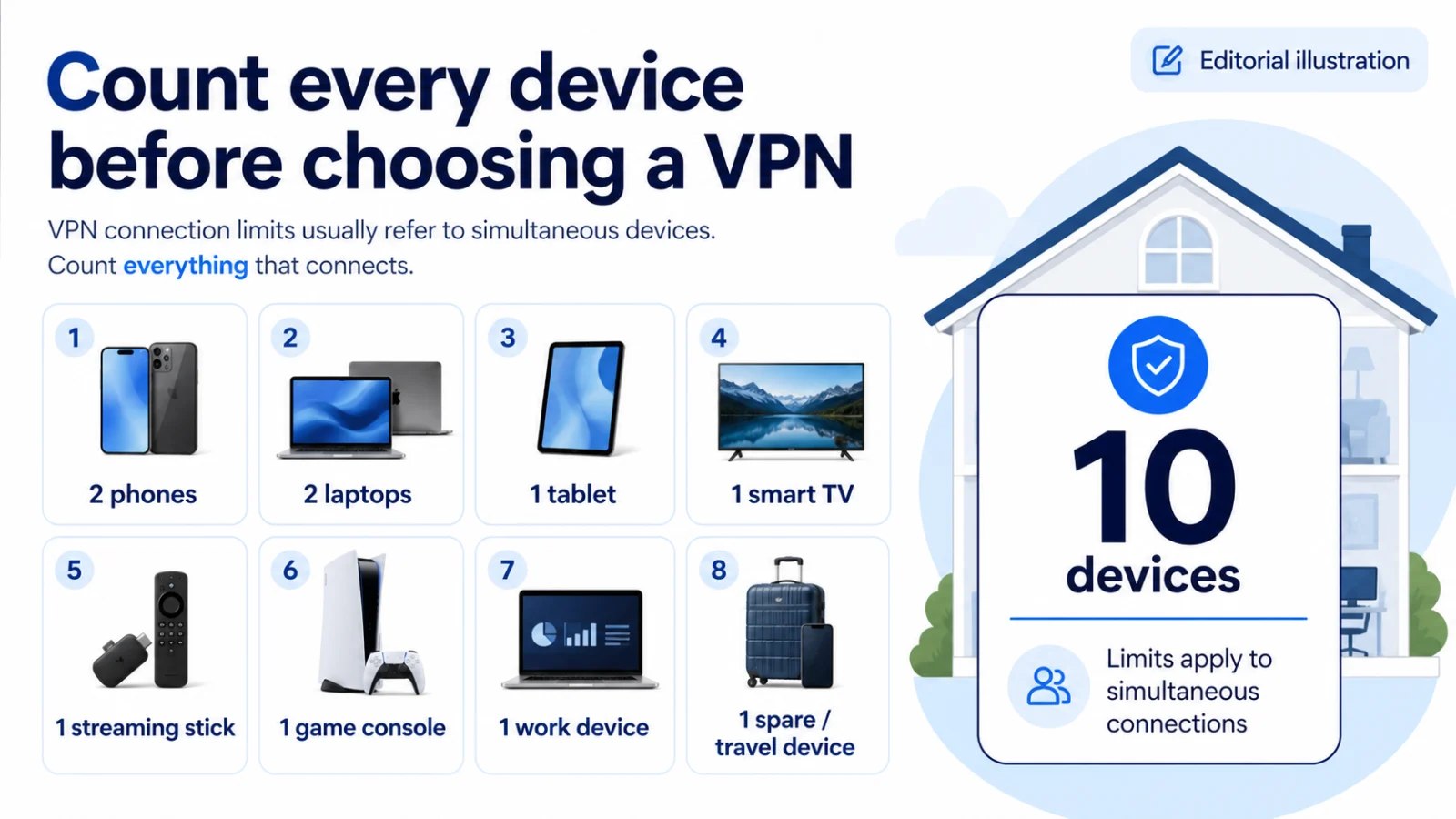
Count what's actually in your home: two phones, two laptops, a tablet, a work machine, a smart TV, a streaming stick, maybe a console and an e-reader. That's ten before you've included guests or a second TV. A provider capped at ten connections doesn't slightly inconvenience you — it forces you to choose which family members go unprotected, or to buy a second subscription.
This guide ranks the best VPN for multiple devices on that constraint first, then on the things that actually come up in a family setup: devices with no VPN app at all, per-platform feature gaps, and what a VPN does and doesn't do for children's safety.
Quick comparison
| Criterion | Surfshark | NordVPN | Proton VPN |
|---|---|---|---|
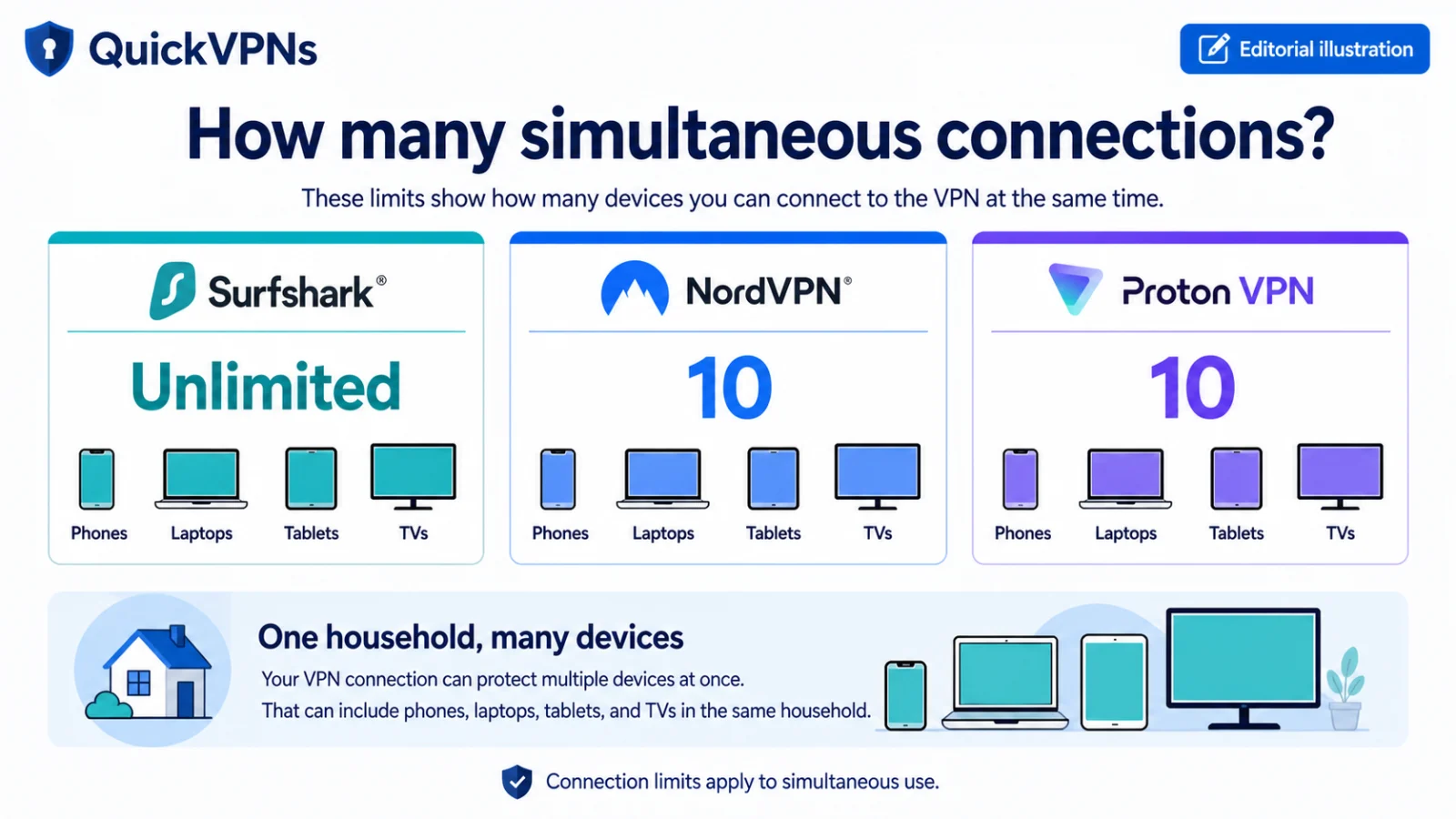
| Simultaneous devices | Unlimited | 10 | 10 (1 on Free) |
| Best for | Any household | TV-heavy homes | Privacy-minded families |
| Our rating | 4.5 / 5 | 4.7 / 5 | 4.6 / 5 |
| TV apps | Fire TV, Apple TV | Android TV, Apple TV, Fire TV | Limited |
| Router support | Yes | Yes | Yes |
| Split tunnelling | Bypasser + Reverse | Yes | Platform-dependent |
| Free tier for an extra device | No | No | Yes — 1 device |
| Cost for 10+ devices | One subscription | Two subscriptions | Two subscriptions |
Compare the provider options
Use the current plan pages for live terms; the trade-offs below are the stable decision points.
NordVPN
- Strong support for restrictive networks
- Broad server and TV-device coverage
- Ten simultaneous device connections
Surfshark
- Unlimited simultaneous device connections
- Strong value for households
- Some features differ by platform
Proton VPN
- Open-source apps and published privacy evidence
- Privacy-focused free and paid options
- Advanced features depend on the plan
Step one: actually count your devices
Do this before reading the recommendations. People consistently undercount by about half.
Per person: phone, laptop, tablet, work machine, smartwatch if it has its own connection. Shared: smart TV, streaming stick, second TV, games console, smart speakers, e-reader. Occasional: a travel router, a guest's laptop, a spare phone kept as a backup.
A couple with a normal amount of technology reaches 8–12. A family of four reaches 15–20 without anything unusual.
Now note which of those cannot run a VPN app: most smart TVs, all games consoles, e-readers, smart speakers. Those need a different approach entirely, covered below.
1. Surfshark — the unlimited-device pick
4.5 / 5 · unlimited simultaneous connections · 4,500+ servers in 100 countries
For this specific use case the recommendation isn't close, and pretending it were would be dishonest.
Surfshark allows unlimited simultaneous connections on one subscription. Every phone, laptop, tablet, TV, stick and router in the house, plus a guest's device, plus the spare phone in a drawer. There's no rationing conversation and no second subscription.
The value gap is much larger than the price gap suggests. If you need to cover 12 devices, a capped competitor requires two subscriptions — so the honest comparison isn't Surfshark's price against theirs, it's Surfshark's price against double theirs. Surfshark is already the cheapest of the three before that multiplier applies.
What makes it a genuine recommendation rather than just the only structural fit is that the household-relevant engineering is good. Everlink restores dropped tunnels instantly rather than renegotiating — which matters more in a house where someone is always moving between rooms and access points. NoBorders picks working servers automatically, so family members who don't want to think about server selection don't have to. Bypasser handles split tunnelling, letting you exclude banking apps that lock accounts when they see a VPN IP. CleanWeb blocks ads and malicious domains across every connected device.
The honest weakness for a family context: only two independent no-logs audits against six and five for its rivals, though it does publish the complete ISAE 3000 report. And there's no Android TV app, so Android-based TVs need the router route.
Pros
- Unlimited devices — the only provider that removes the ceiling entirely
- Cheapest of the three before the second-subscription multiplier
- Everlink handles the constant reconnects of a busy household
- NoBorders means non-technical family members don't have to choose servers
- CleanWeb blocks ads and malware on every device at once
Cons
- Only two independent audits
- No Android TV app
- Some features are platform-specific
- Smallest network of the three
Best for: any household above about six devices. Which is most households.
2. NordVPN — best if your household is TV-heavy
4.7 / 5 · 10 devices · 7,400+ servers in 118 countries
NordVPN's 10-connection cap is a real constraint for a family, and it's why this isn't first. But there's one household profile where it's still the better buy: homes where the TVs matter more than the count.
NordVPN has native apps for Android TV, Apple TV and Fire TV Stick — three TV platforms, more than either competitor. Combined with SmartPlay, which handles streaming without server selection, that turns a genuinely annoying setup into a five-minute one. Anyone who has tried to type a password into a TV with a remote will understand why this is worth something.
It's also the strongest for a family that travels. NordWhisper connects on hotel and airport networks that block VPN traffic, and Meshnet lets you route through your home connection — useful for banking abroad without triggering fraud locks. Six independent no-logs assurance engagements is the longest record available if a parent wants the strongest verification.
The maths still bites. A family of four with TVs will exceed 10 connections, and at that point you're buying two subscriptions — which costs more than one Surfshark plan covering everything.
Pros
- Three native TV apps — the widest TV coverage available
- SmartPlay removes streaming configuration entirely
- Best on restricted networks when the family travels
- Six no-logs assurance engagements
- Meshnet solves banking-abroad cleanly
Cons
- 10-device cap is the binding constraint for most families
- Most expensive of the three at renewal, before any second subscription
- Key features sit on higher tiers
Best for: smaller households (up to about eight devices) with multiple TVs, and families who travel to places that block VPNs.
3. Proton VPN — for privacy-minded families, with a free extra device
4.6 / 5 · 10 devices on paid, 1 on free · 20,000+ servers in 140+ countries
Proton VPN has the same 10-connection cap as NordVPN, so it faces the same ceiling. It earns its place for households where the quality of the privacy promise matters more than the quantity of connections.
It's the only provider here with open-source apps on every platform, five consecutive independent no-logs audits with full reports published, and Swiss jurisdiction. If you're covering children's devices and want the strongest evidence that browsing isn't being logged and monetised, that's a reasonable thing to weight heavily.
There's also a practical trick unique to Proton: the free plan covers one device at no cost, with no data cap. Install it on a child's phone, a spare tablet or a guest device and you've extended coverage without extending spend. It's not a substitute for a paid plan across a household, but it's a genuinely useful overflow valve.
Limitations for a family: TV support is thinner than either competitor's, streaming is the least consistent of the three, and split tunnelling availability varies by platform — which is exactly the kind of inconsistency that generates support requests from family members.
Pros
- Strongest privacy evidence of the three — open source, five audits, Swiss
- Free plan adds a device at no cost
- Largest server network here
- NetShield blocks ads and malware at DNS level
Cons
- 10-device cap, same constraint as NordVPN
- Weakest TV-device support
- Least consistent streaming
- Split tunnelling varies by platform
Best for: privacy-conscious families under the 10-device ceiling, and anyone wanting a free device slot alongside another provider.
The devices that can't run a VPN app
This is the part most family guides skip, and it's where setups actually fail.
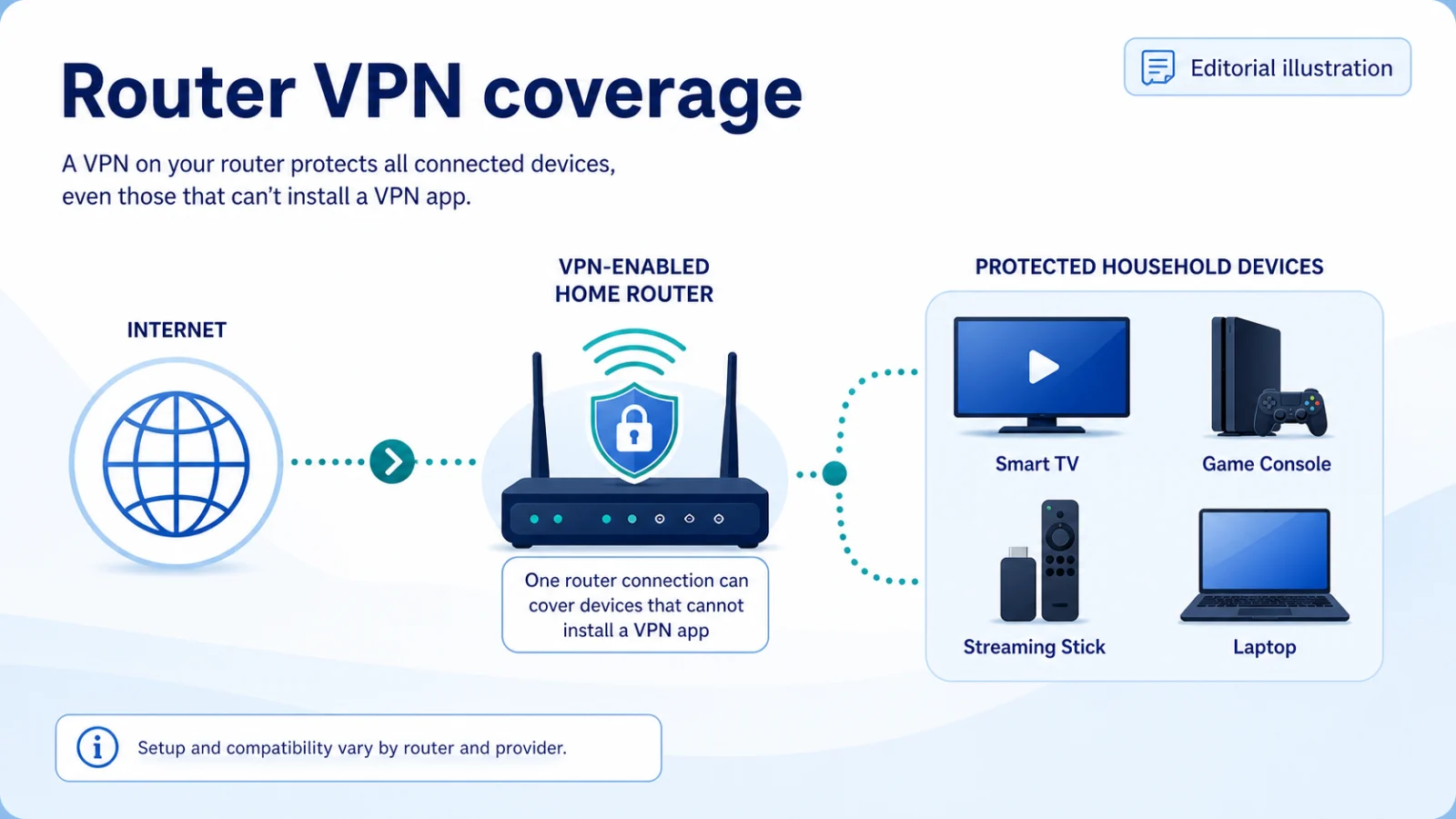
Games consoles, most smart TVs, e-readers and smart speakers cannot run a VPN app. Three ways round it:
Router-level VPN. Install the VPN on your router and every device behind it is covered automatically — including all the ones with no app. Two things to know: your router must support VPN client mode (many ISP-supplied routers don't), and a router connection usually counts as a single device slot, which is why this matters less for Surfshark than for capped providers. Everything behind the router shares one server location, so you can't have one person in the UK and another in the US.
A travel router. A small dedicated router that joins the household or hotel Wi-Fi and rebroadcasts it with the VPN applied. Cleaner than reconfiguring your main router, and it comes with you on holiday.
Smart DNS. Some providers offer a DNS-based option for streaming devices. It changes your apparent region without encrypting anything — useful for its narrow purpose, but it is not a VPN and gives you no privacy benefit. Don't confuse the two.
Setting up a family VPN properly
Five things worth doing once.
- Install on the parents' devices first, then the children's. Confirm nothing breaks — school platforms and some banking apps behave oddly behind a VPN.
- Turn on auto-connect for untrusted networks on every device. Children will not remember to enable a VPN on café Wi-Fi. Nobody does.
- Set up split tunnelling for banking and school portals. These are the two categories most likely to break, and excluding them prevents the support calls.
- Decide about the router early. If you have a console or a smart TV you actually use, either configure the router or accept those devices are unprotected.
- Test the kill switch on at least one device. Connect, disable Wi-Fi, confirm traffic stops. If it doesn't, the configuration is wrong everywhere.
What a VPN does not do for child safety
Worth being direct, because VPN marketing sometimes implies otherwise.
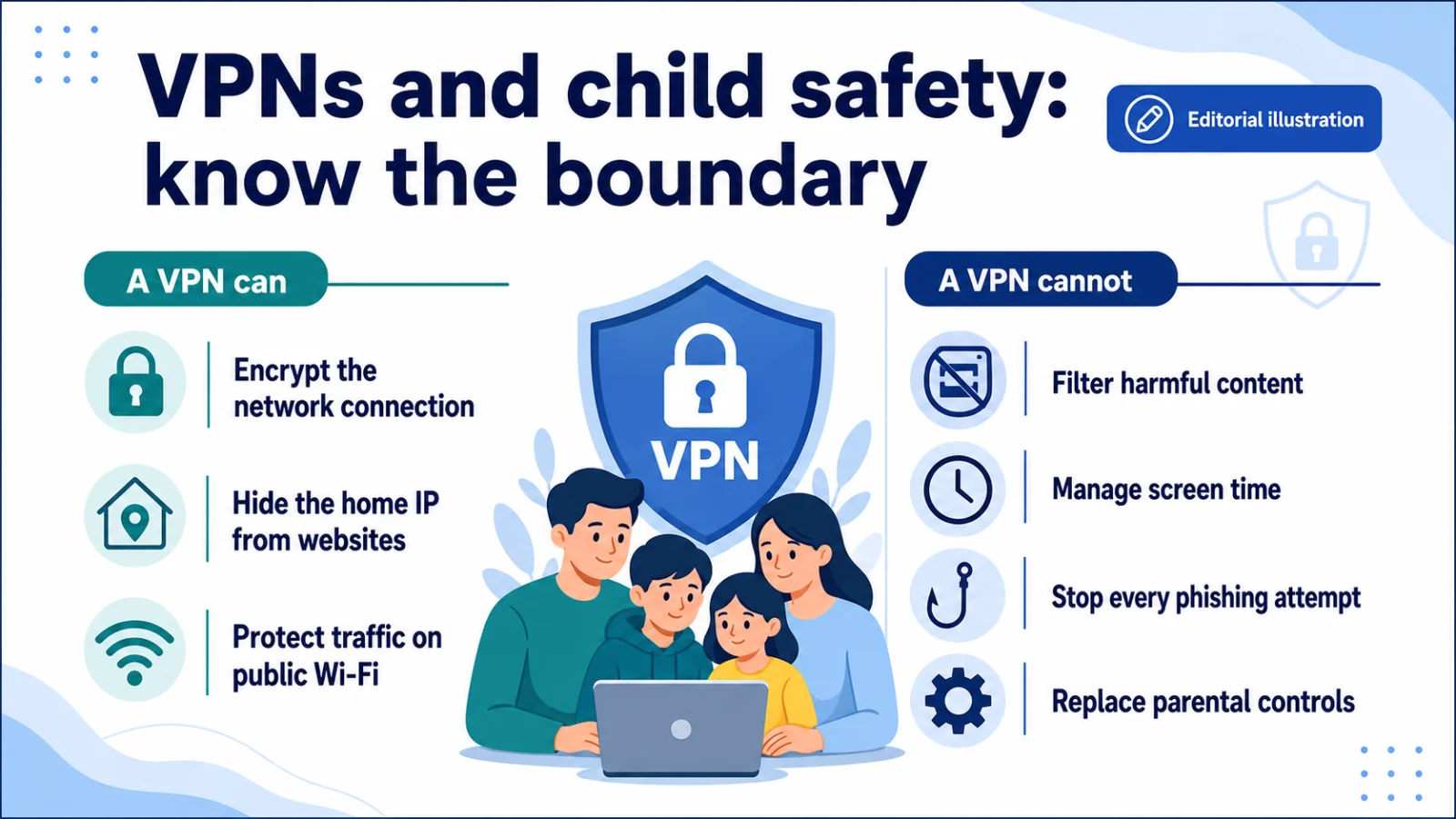
A VPN is not parental control. It doesn't filter adult content, limit screen time, or restrict which apps a child can install. Some providers block ads, trackers and known-malicious domains — NordVPN's Threat Protection Pro, Surfshark's CleanWeb, Proton VPN's NetShield — which is useful, but it's malware protection, not content filtering.
It can make some parental controls harder. Network-level filters that work by inspecting traffic or DNS may stop working when a VPN encrypts that traffic. If you rely on router-level filtering, test it with the VPN on before rolling it out.
What it does do for a family is stop the network operator and your ISP building a profile of everyone's browsing, protect devices on café and school Wi-Fi, and block a category of malicious domains. Those are worthwhile. They're just not the same as supervision, and a VPN shouldn't be bought as a substitute for it.
Final thoughts
For households this is one of the least ambiguous recommendations in the whole VPN category. Surfshark allows unlimited devices while the other two picks cap simultaneous connections at ten — no feature comparison offsets a hard ceiling you'll hit in the first week.
NordVPN is the better choice for a smaller household that's TV-heavy or travels to places that block VPNs, where three native TV apps and NordWhisper genuinely earn the premium.
Proton VPN suits privacy-minded families under the ceiling, and its free tier is a useful way to cover one extra device at no cost whatever else you choose.
Count your devices first. That single number answers the question faster than any review can.
More: Best VPN services · Best cheap VPN · Best VPN for streaming
How we evaluated best VPN for multiple devices
QuickVPNs compared the documented features that change the reader’s outcome, checked current Provider Hub sources, removed volatile price claims, and stated limitations alongside strengths. No provider can buy a ranking. Device limits were rechecked against official support pages on August 30, 2026.
Not sure which constraint matters first? Start with How to Choose a VPN.
| Criterion | What we checked |
|---|---|
| Evidence | Current official documentation and independent assurance material where available |
| Real-world fit | Devices, network conditions, setup effort, and meaningful limitations |
| Value | Coverage and durable features, not a temporary introductory price |
best VPN for multiple devices FAQ
What is the best VPN for multiple devices?
Surfshark, because it allows unlimited simultaneous connections on a single subscription. Every competitor caps at 5–10, so any household above about six devices either goes partly unprotected or buys two subscriptions. It's also the cheapest of the three before that multiplier applies.
How many devices can use one VPN account?
It depends on the provider. NordVPN and Proton VPN allow 10 simultaneous connections; Surfshark allows unlimited. A router counts as one device but covers everything behind it — the standard workaround for consoles and smart TVs that can't run a VPN app.
Can I use a VPN on my smart TV or games console?
Most consoles and many smart TVs can't run a VPN app. The reliable options are installing the VPN on your router, or using a travel router that rebroadcasts your connection with the VPN applied. NordVPN also has native apps for Android TV, Apple TV and Fire TV Stick, which avoids the problem on those platforms.
Is one VPN subscription enough for a family?
With Surfshark, yes — unlimited connections cover any household. With NordVPN or Proton VPN, a family of four with TVs will usually exceed the 10-device limit and need either a router setup or a second subscription.
Does a VPN protect my kids online?
Partly. It encrypts their traffic on public and school Wi-Fi and can block malicious domains, but it is not parental control — no content filtering, no screen-time limits, no app restrictions. It can also interfere with network-level filters you already use, so test before rolling it out.
Continue with the VPN Guides hub
Browse all VPN Guides, visit the related topic guide, or compare the best VPN services.